How to Integrate AI With Your Small Business Workflow: 5 Simple Steps
AI does not need to take over your whole business to be useful. Here is a practical, five-step approach to remove one annoying job from your weekly pile.

AI does not need to take over your whole business to be useful.
For most small-business owners, the best first move is much less dramatic: find one repetitive task, give it a sensible helper, and keep a person at the inspection bench.
That might mean drafting routine customer emails, turning one long video into several short clips, preparing social posts, or cleaning up rough notes. The goal is not to build a robot empire before lunch. The goal is to remove one annoying job from your weekly pile.
Here is the practical five-step approach we recommend at Clanker Cart: start small, test carefully, and only add more machinery when the first machine is running smoothly.
The Counter Rule: One Task, Not the Whole Shop
Examples include: drafting replies to common customer questions, creating social media captions from a product announcement, turning a podcast or training video into short clips, summarizing meeting notes into a to-do list, rewriting a newsletter introduction in a friendlier tone, or sorting contact-form messages into basic categories.
Avoid starting with payroll, legal decisions, medical advice, or anything that could create a serious customer or financial problem if the output is wrong.
The easiest AI workflow is one where the tool makes a draft and you approve it. That keeps the useful parts—the speed and the first pass—without handing over the keys to the shop.
- • Repeated every week
- • Mostly based on text, audio, images, or simple information
- • Easy for a person to check
- • Annoying enough that saving 20 minutes would matter
- • Low-risk if the first draft needs editing
Step 1: Pick the Repetitive Job
Choose the task with the clearest win.
For example, a quilt-shop owner might spend 30 minutes every Monday writing three social posts about new fabric arrivals. A woodworking business might spend an hour trimming clips from a project video. A solo consultant might repeatedly turn the same type of call notes into follow-up emails.
These are good first jobs because the finished result has a clear shape. You are not asking AI to “run the business.” You are asking it to prepare three captions, one short video, or one email draft. That distinction matters.
- 1. How often you do it
- 2. How long it takes
- 3. How irritating it feels
- 4. How easy it is to check
- 5. What “good enough” looks like
Step 2: Clean Up the Process Before Adding AI
Then remove unnecessary steps. If you are creating social posts, decide on a basic format before asking AI to help: one short opening line, one useful detail, one clear next step, a friendly familiar tone, and zero made-up prices or dates. A tidy process gives your AI tool a clean work order.
- • Where does the information come from?
- • What happens first and what happens next?
- • Who checks the result?
- • Where does the finished work go?
- • What common mistakes need to be caught?
“Do not automate a messy process.”
Step 3: Choose the Easiest Tool That Fits
The best tool is not always the most powerful one. It is the one you will actually use next Tuesday.
For Social Content: Followr AI

Followr AI is the practical option for businesses that need help planning, writing, and scheduling social posts from one dashboard.
Bench role: The social-content assistant.
Problem it solves: Starting from a blank social calendar every week.
Why it helps: Followr combines content creation, scheduling, multi-platform publishing, and analytics. Its current public pricing lists plans beginning around $12 per month, with a Team plan around $25 per month.
Watch the gears: AI-written posts can sound generic if you do not give the tool clear information about your products, customers, and tone. Review every post before it goes live, especially promotions and seasonal details.
For Video Clips: Jupitrr AI

Jupitrr AI is built for turning talking-head videos, webinars, and longer recordings into shorter social clips.
Bench role: The quick-cut editing apprentice.
Problem it solves: Spending an afternoon hunting for highlights, captions, and supporting footage.
Why it helps: You upload a video, and Jupitrr suggests edits, subtitles, hooks, and B-roll. Its free plan lets you test a limited number of exports with a watermark. Paid plans currently start around $18 per month when billed annually, or about $22 month-to-month.
Watch the gears: AI may choose a technically correct moment that is not the most interesting one. Check the captions, names, product details, and where the clip begins and ends. Jupitrr is designed for fast talking videos, not complex film editing.
For Voiceovers: ElevenLabs
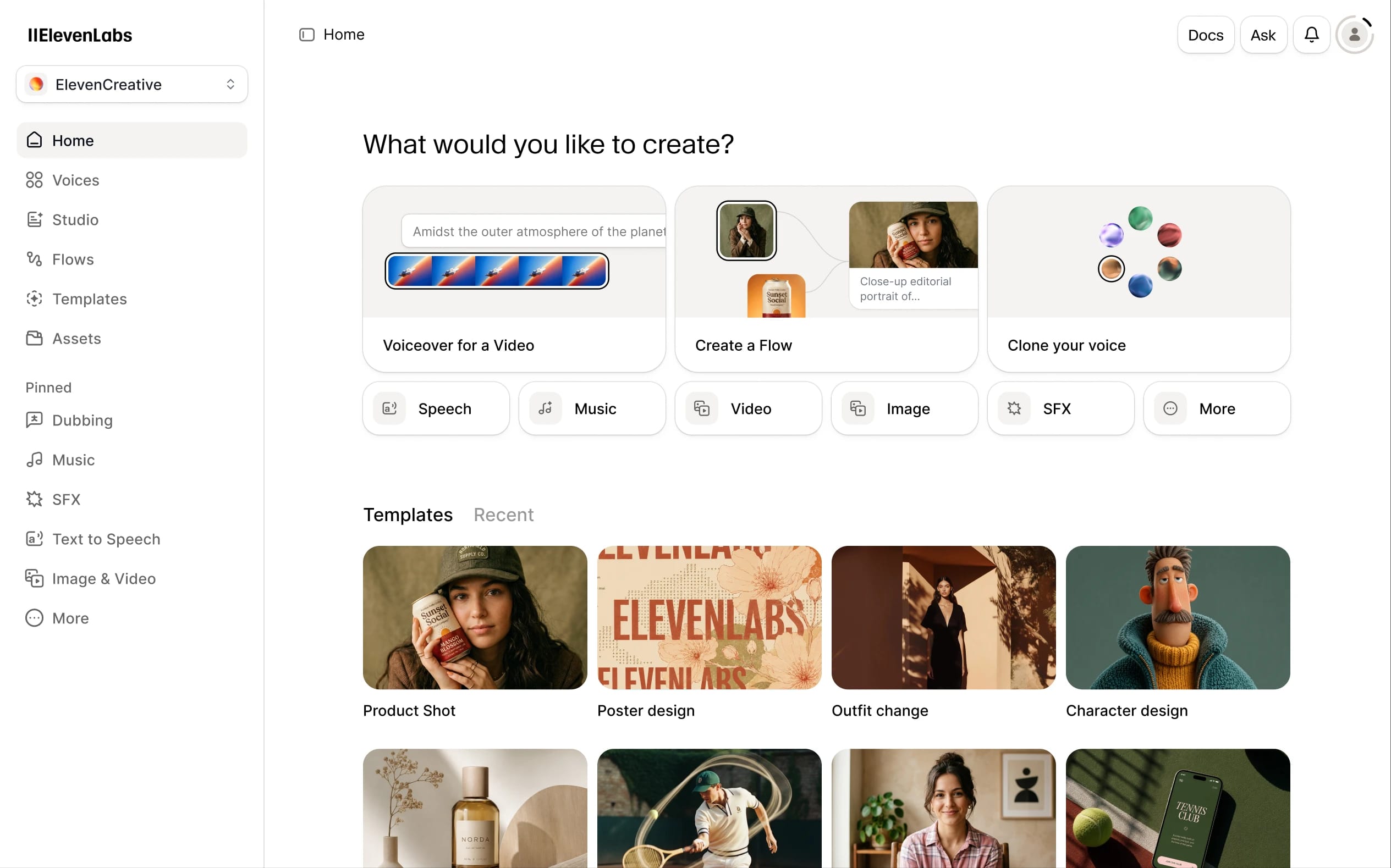
ElevenLabs is the heavy-duty voiceover counter. It can turn written scripts into natural-sounding narration for training videos, explainers, podcasts, and social content.
Bench role: The narration booth.
Problem it solves: Recording the same introduction, training explanation, or product description repeatedly.
Why it helps: The voices are expressive and available across many languages. There is a free tier for testing, while paid plans begin at a low monthly price and add commercial-use rights and voice-cloning features.
Watch the gears: Listen closely for pronunciation, emphasis, and names. Do not clone someone’s voice without clear permission. The free plan may not include the rights you need for business use, so read the current terms before publishing.
For Writing and Editing: Lex
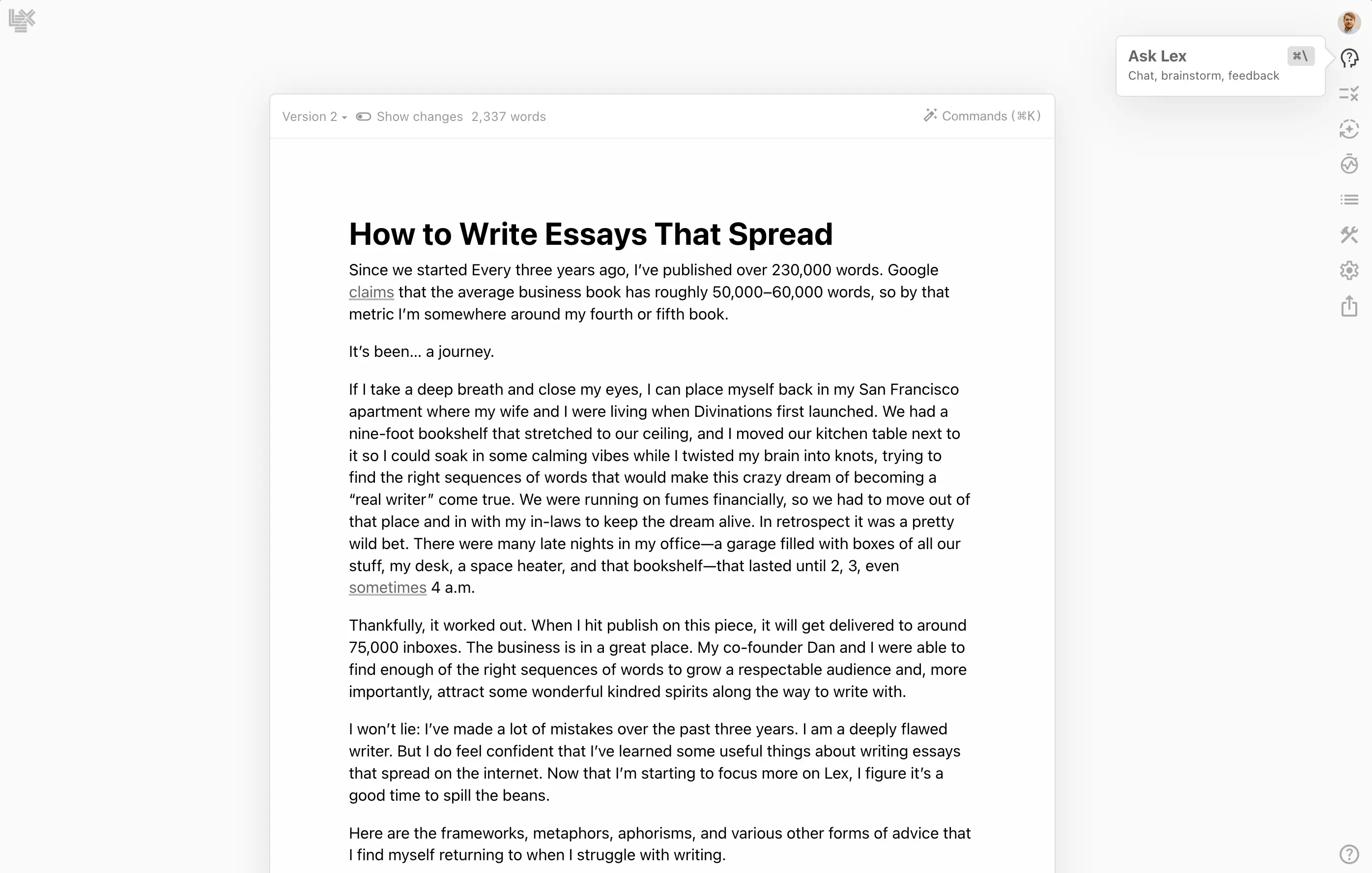
Lex is a clean writing workspace with AI editing built into the document.
Bench role: The quiet writing partner.
Problem it solves: Getting stuck on a draft, customer announcement, proposal, or newsletter.
Why it helps: Lex is less cluttered than many all-purpose AI tools. You can ask for feedback, alternative wording, title ideas, or a clearer version without leaving the document. It has a free option, while the paid plan has commonly been listed around $18 per month or roughly $145 per year.
Watch the gears: Lex can improve the wording, but it cannot know whether your claim, price, or promise is correct. It should polish your thinking, not replace it.
Step 4: Keep a Person at the Inspection Bench
Also check privacy before pasting sensitive material into any tool. Avoid uploading private customer records, payment information, confidential contracts, or personal details unless you understand how the service stores and handles that information.
Human review is not a sign that AI failed. It is the normal operating procedure for a helpful machine.
- • Is the information accurate?
- • Does it sound like our business?
- • Are names, dates, prices, and links correct?
- • Did the tool leave out an important detail?
- • Would I be comfortable attaching my name to this?
“AI prepares. A person approves.”
Step 5: Run a 30-Day Test
Days 1–7: Take a Baseline
Record how long the task currently takes. Save five to ten recent examples of the work. Note common errors and the quality level you expect.
Example goal: “Create three social posts in 20 minutes, with no more than five minutes of editing per post.”
Days 8–14: Run AI in the Background
Let the tool create drafts, but continue using your old process as a backup. Review everything. Keep notes on how much editing each result needed, which mistakes appeared repeatedly, whether the tool saved time after review, and whether the output still sounded like your business.
Days 15–30: Use It Carefully in Normal Work
If the results are dependable, let the AI-assisted version become part of your regular process. Keep approval mandatory.
At the end of the month, ask: Did we actually save time? Did quality stay the same or improve? Did the process feel easier, or did it create another chore? Would we pay for this tool after the test?
If the answer is no, shut down the pilot and try a different task. That is not wasted effort. You have learned where the machine does not fit.
Easy Automation vs. Advanced Automation

The trade-off is cost and supervision. Marblism does not currently operate like a simple unlimited free app; plans are based on monthly AI work hours, and advanced tasks can use those hours quickly. It also needs clear instructions and review, especially for customer-facing writing, lead generation, and anything involving business decisions.
The Final Checkout
AI integration does not have to be a grand technology project.
Pick one repetitive job. Clean up the process. Choose the easiest useful tool. Keep a person in charge of approval. Test it for 30 days.
If the machine saves time without adding fresh headaches, keep it on the shelf. If it creates more friction than it removes, send it back to the Scrap Heap and try a different task.
The best AI workflow is not the one with the most gears. It is the one that helps a busy person finish good work with less fuss.
Editorial Notice: ClankerCart is published independently by Hardball HQ LLC. All tool bench tests reflect firsthand mechanical inspection. Affiliate disclosures apply.