Which AI Voice App Actually Gets Your Script Read Aloud? Four Tools, One Fair Test
ElevenLabs, VocalLab, Revoicer, and Vois Studio: we put four voice machines through the exact same four jobs to see which one belongs on your bench.

**Short answer:** **ElevenLabs wins for most readers** because it produced the most natural, steady narration across our scripts with the least setup fuss.
If you are still deciding whether AI narration belongs in your workflow, start with our gentler on-ramp: AI Voiceover Tools for Real People: ElevenLabs and VocalLab, Bench-Tested (No Studio Required). This follow-up is for the next step: comparing four tools properly before you put one on your workbench.
The Same Four Jobs on Every Bench
We looked beyond the shiny demo. We noted how quickly each tool got from signup to a usable file, how much correcting was needed, how many takes it took to get a line we could live with, how export worked, and where we stopped to scratch our heads.
Our published scores are available in the ElevenLabs inspection, VocalLab inspection, Revoicer inspection, and Vois Studio inspection.
- 1. A short training-video narration
- 2. A podcast introduction
- 3. A website explainer
- 4. A manuscript sample
Comparison Counter: Six Things That Matter
| Inspection point | ElevenLabs | VocalLab | Revoicer | Vois Studio |
|---|---|---|---|---|
| 1. Human sound | Strongest overall. Natural pauses, breath catches, stable tone, especially good on the podcast intro. | Useful and capable, but names and abbreviations need supervision. | Short lines are passable; long scripts become wooden and repetitive. | At the AppSumo lifetime tier, raw speech realism meets or exceeds VocalLab in our testing, and with the optional Omni engine it approaches ElevenLabs, though the stock voice variety is narrower than ElevenLabs' library. |
| 2. Setup friction | Quick browser signup to first usable file. Easy to audition voices. | Steepest initial setup of the four; then fast enough for daily work. | Very quick for a short marketing clip. | Requires desktop installation, model downloads, and activation before local generation. |
| 3. What the money buys | Free tier is roughly 10,000 credits monthly, about 10 minutes of speech. Credits count characters, and unused allowance carryover was not confirmed in our notes. | AppSumo listing showed lifetime tiers roughly from $49 to $999, with monthly minute allowances and cloned-voice limits. Minutes do not carry over; regeneration uses more points. | Credit allowances are presented in vendor tiers, but the finished-minutes value is not clearly stated. The meter is less transparent. | AppSumo listing showed lifetime tiers around $59, $119, and $239. Local generation is uncapped, with no per-character meter. |
| 4. Export and rights | Generates audio files. Free use is non-commercial; paid plans include commercial rights, according to the supplied plan details. | The listing claims MP3, SRT captions, and an audiobook workspace. Confirm the current commercial-use terms before client work. | Vendor materials claim MP3 export and commercial use, but check the exact offer and tier. | Listing claims platform presets, audiobook-oriented export support, and mastering. Commercial use is included only in Tier 3. |
| 5. Hardware and privacy | Cloud-based; nothing to install. | Browser-based and cloud-oriented. | Web-based and cloud-based. | Local desktop generation. Supports Apple Silicon Macs and Windows 10/11 x64 PCs; Intel Macs are not supported. |
| 6. Realistic fit | The reliable all-rounder for narration, podcasts, courses, and polished client work. | The utility wrench for creators who also need voice cloning or stem separation. | A quick counter tool for low-stakes marketing clips. | A strong local option for people who revise often and have supported hardware, with realism that meets or beats VocalLab on the lifetime deal and gets closer to ElevenLabs only with the paid Omni upgrade. |
1. ElevenLabs: The Defending Champion
Published bench score: 5.0/5 (98/100)
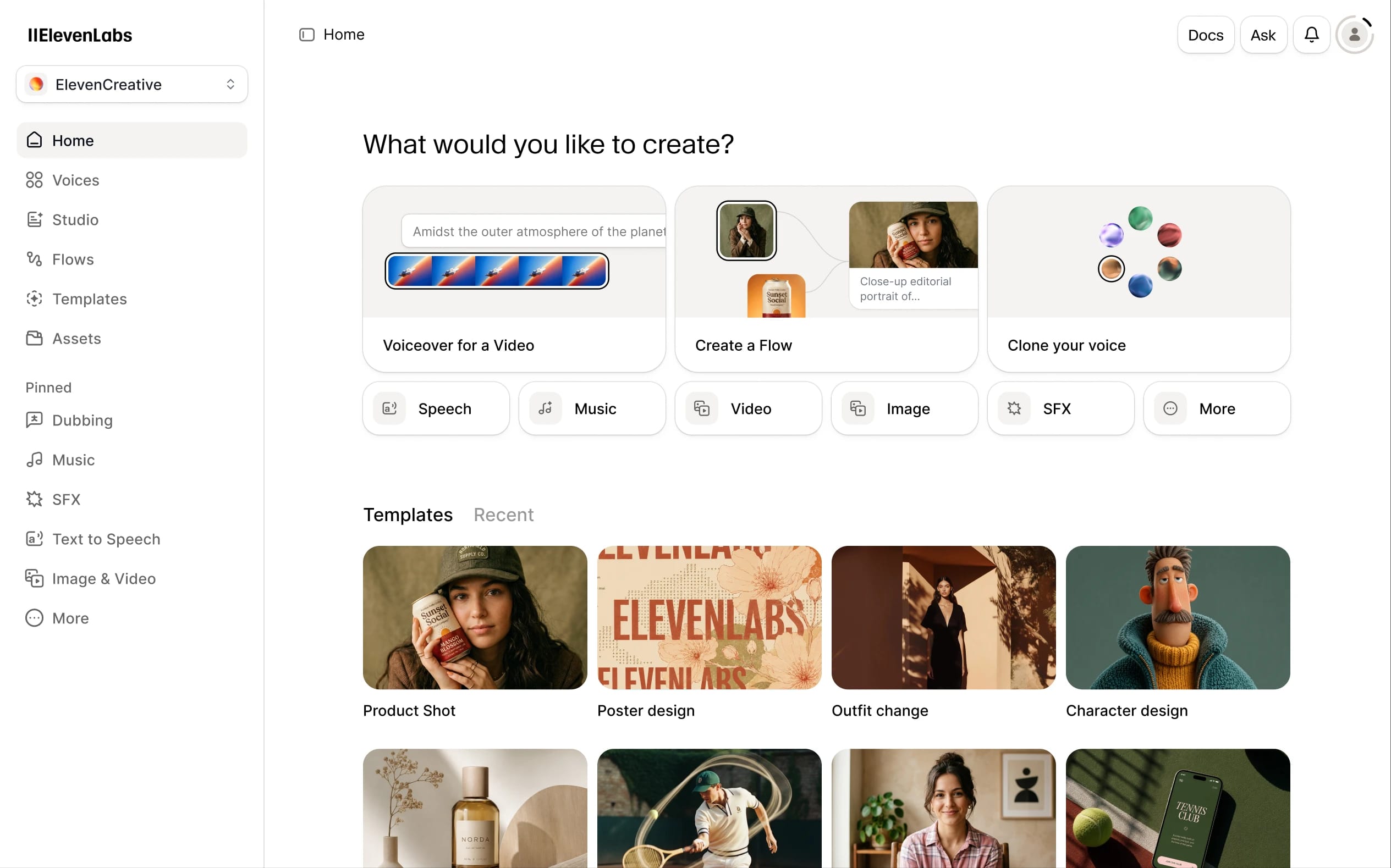
ElevenLabs remains the smoothest machine on the counter. On our four jobs, it handled natural pauses, small breath catches, and emphasis better than the others. The tone stayed steady across longer material, and the podcast introduction was its standout run.
The browser workflow is straightforward: choose a voice, paste the script, generate, and download the audio. Our first usable file came quickly, and auditioning different voices was easy.
Strengths
- ✔ Multi-paragraph narration stayed consistent.
- ✔ Podcast-style delivery felt lively without becoming theatrical.
- ✔ Most lines needed little correction.
- ✔ A usable take was often available after the first generation, with extra attempts mainly for pronunciation.
- ✔ It works in a browser on Windows or Mac, with nothing to install.
Drawbacks
- ⚠ The credit meter counts characters, not finished minutes. Fixing one troublesome name can mean regenerating a whole passage and burning more allowance than expected.
- ⚠ The free tier is roughly 10,000 credits monthly, about 10 minutes of speech, and is for testing and non-commercial use. It does not include commercial rights.
- ⚠ Paid plans start at a low monthly price and include commercial rights, but check current pricing and licensing before publishing paid work.
2. VocalLab: The Utility Wrench
Published bench score: 4.1/5 (82/100)
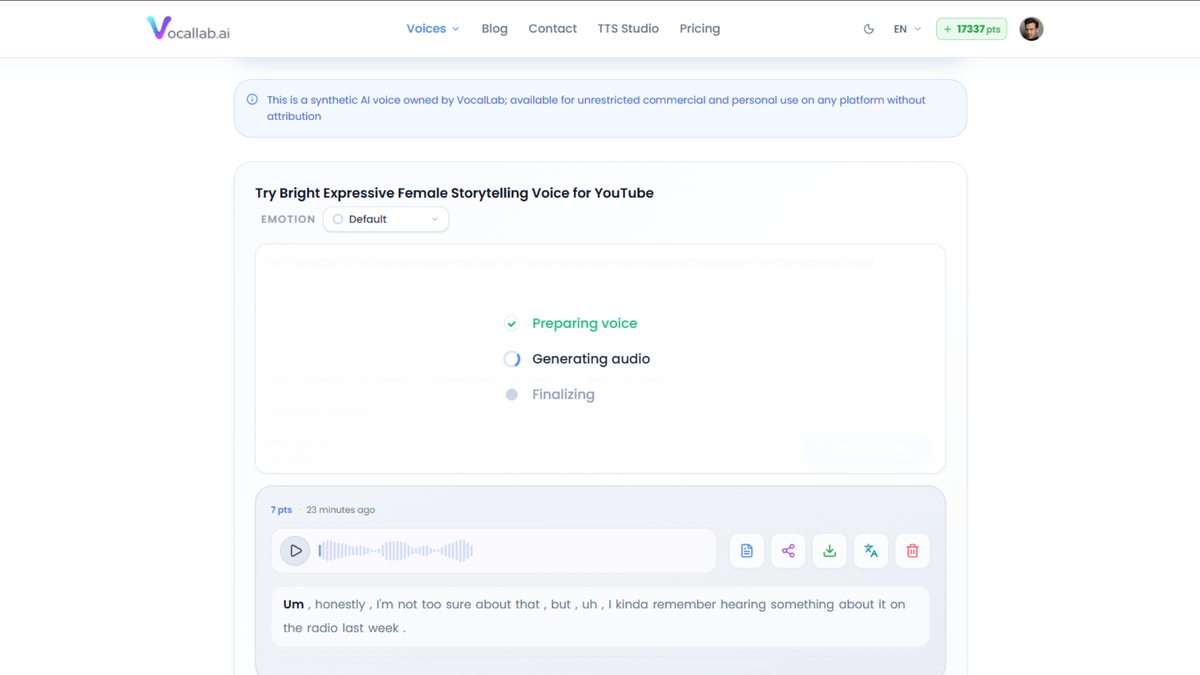
VocalLab is a browser-based audio tool with a particular talent for pulling voices out of messy recordings. We tested it on material that would otherwise have gone straight to the scrap bin: a podcast beside a humming fan and a rehearsal where the lead vocal was buried.
It also handled longer, audiobook-style material usefully when the script was prepared in manageable sections. The initial setup was steeper than ElevenLabs, but processing was fast enough for regular editing.
Strengths
- ✔ Cleanly separated vocals, instrumental, bass, and drums.
- ✔ Rescued recordings with distracting background noise.
- ✔ Produced voice work quickly after setup.
- ✔ Longer material was manageable when prepared carefully.
- ✔ We could test a short pronunciation sample before committing to a larger passage.
Drawbacks
- ⚠ Heavily compressed MP3 files sometimes left a slightly metallic edge on the extracted vocal.
- ⚠ Names and abbreviations still needed supervision, and regenerating the same text used more points.
- ⚠ The AppSumo listing claims features including voice design, captions, and an audiobook workspace (unconfirmed on our bench run).
- ⚠ The listing showed lifetime tiers roughly from $49 to around $999, depending on monthly minutes and cloned-voice limits. Unused monthly minutes do not carry over.
3. Revoicer: Check the Front Door, and the Hallway
Published bench score: 3.2/5 (64/100)
Revoicer is a web-based text-to-speech generator with emotional style toggles. Those toggles are preset delivery styles such as cheerful, friendly, whispering, sad, and excited. Our inspection found it is largely a repackaged layer over standard public cloud voice engines rather than its own speech technology.
For a 30-second ad, product demo, or short social slide video, it can produce audible speech in seconds. The built-in background music layering is also handy for beginners who do not want another trip around the audio-editing block.
Strengths
- ✔ Fast output for short, low-stakes marketing work.
- ✔ Simple enough for a quick paste-and-generate job.
- ✔ Background music can be layered during export.
- ✔ The low front-door price may suit someone who needs only basic voice generation and declines later offers (front-end licence ran from about $27 to $67).
Drawbacks
- ⚠ The upsell funnel is the main problem: a conveyor belt of one-time offers, with better voices placed behind higher paywalls.
- ⚠ Short lines can sound passable, but multi-paragraph podcast or manuscript work quickly becomes stiff, repetitive, and obviously synthetic.
- ⚠ Cannot match ElevenLabs for nuance or Vois Studio’s meter-free local workflow.
4. Vois Studio: The Meter-Free Local Studio (With a Hardware Asterisk)
Published bench score: 4.3/5 (86/100)
Vois Studio works differently from the cloud tools. It is a Windows and Mac desktop studio where speech generation runs locally on your own computer. In our inspection it performed strongest on a capable desktop machine, and it earned a solid score on the strength of its meter-free local workflow.
The standout advantage is the working rhythm: no character meter draining every time you fix a pronunciation or retake a line.
Strengths
- ✔ Local generation kept scripts on our machine during production.
- ✔ The zero-meter workflow let us re-render a stubborn sentence as many times as needed without watching a credit gauge or paying extra for cleanup passes.
- ✔ Speech realism on the lifetime-deal tier met or exceeded VocalLab in our testing.
- ✔ With the optional Omni upgrade, realism moved closer to ElevenLabs, though the lifetime-deal tier alone does not reach that mark.
- ✔ The stock voice library is dependable, and the AppSumo bonus voice packs give it more shelf stock to work with.
- ✔ The path from script to mastered export stayed inside one application.
- ✔ The support desk was responsive during testing and troubleshot quickly by email and Discord.
Drawbacks
- ⚠ Cloning on the AppSumo tier is a quick 15–30 second sample snapshot, not deep studio training like ElevenLabs' professional cloning.
- ⚠ The stock voice roster has a noticeable shortage of Black, Latino, Eastern European, and Middle Eastern accented American English speakers.
- ⚠ The Omni engine, including GPU voice design and 600+ languages, is Pro-only and is not included in the lifetime deal.
- ⚠ Hardware bottleneck: generating speech with a cloned voice caused repeated crashes on our capable 16 GB RAM HP Victus laptop (light and fast modes). Support is actively investigating.
- ⚠ Requires Apple Silicon Mac (macOS 12+) or Windows 10/11 x64 PC (Intel Macs not supported); recommended 16 GB RAM and 20 GB disk space.
- ⚠ Internet access is still required for setup, model downloads, activation, and periodic licence validation (offline works ~1 day past last validation).
Who Each One Is Right For
- • **ElevenLabs:** Start here if you want the most natural general-purpose narration with the least setup friction.
- • **VocalLab:** Choose it if cleaning recordings, separating stems, and experimenting with cloned voices matter as much as script reading.
- • **Revoicer:** Consider it only for quick, low-stakes marketing audio where the upsell path and stiff long-form delivery are acceptable.
- • **Vois Studio:** A strong choice if you revise constantly, want local, meter-free generation on supported hardware, and like the idea of realism that meets or beats VocalLab while reaching toward ElevenLabs only with the paid Omni upgrade.
Check Before You Buy
We expect Vois Studio’s score could improve as that memory issue is resolved. That is our expectation, not a promise or a forecast.
For Revoicer, check the complete cost after the front-door offer, what each credit allowance produces in finished audio, and which voice options are actually included in the tier you are considering.
- • Generating speech with a cloned voice caused repeated crashes on our capable 16 GB RAM HP Victus laptop, including in light or fast mode.
- • Creating the clone from a short clip was straightforward, playback worked without trouble, and stock voices ran smoothly on the same machine.
- • That is what we observed; we are not diagnosing the cause and we are not saying the whole product is broken.
- • Support has been responsive, and the developer is actively investigating the memory bottleneck. They have been reachable through email and Discord.
- • The vendor states that voice cloning is included only in Tiers 2 and 3, with limits of five and 15 saved cloned voices. Tier 1 includes no cloning.
- • On the AppSumo tiers, cloning is a short-sample snapshot rather than deep studio training. That distinction matters before buying for audiobook or character work.
- • Voice Design is Pro-only and is not included in any AppSumo tier.
- • Commercial use is included only in Tier 3.
- • The Omni engine and wider language coverage are Pro-only; the AppSumo deal covers 23 languages.
- • The listing showed lifetime prices around $59, $119, and $239, with a 60-day refund window. AppSumo tiers move, so confirm before purchasing.
Before You Clone a Voice
Only clone your own voice or one you have clear permission to use.
Do not clone customers, employees, public figures, or a family member from an old voicemail. Check whether the plan permits commercial use, and check whether your project requires disclosure that the narration was AI-generated.
A voice is not just another gear in the drawer. It belongs to somebody.
The Plain-English Verdict
For most people, start with **ElevenLabs**. It is the easiest route from script to convincing narration, and it handled all four jobs with the fewest rough edges.
Upgrade, or move sideways, when your needs become more specific. Choose VocalLab when audio cleanup and cloning are central. Consider Vois Studio when you revise often enough that a character meter feels like a parking meter with a personal grudge, and when local generation on supported hardware matters more than cloud convenience. In our testing, Vois met or beat VocalLab for realism on the lifetime-deal tier, while the paid Omni upgrade is the piece that brings it closer to ElevenLabs. Treat Revoicer as a narrow, low-stakes option rather than a long-form narration workhorse.
The affiliate links above are for ElevenLabs, VocalLab, and Vois Studio. Revoicer is linked plainly, and Clanker Cart earns nothing from it.
Editorial Notice: ClankerCart is published independently by Hardball HQ LLC. All tool bench tests reflect firsthand mechanical inspection. Affiliate disclosures apply.